Opus Clip vs Spikes Studio Comparison
What is the difference between Opus Clip and Spikes Studio? Compare Opus Clip and Spikes Studio in details side by side to make a choice.


Differences between Opus Clip and Spikes Studio
Opus Clip Description
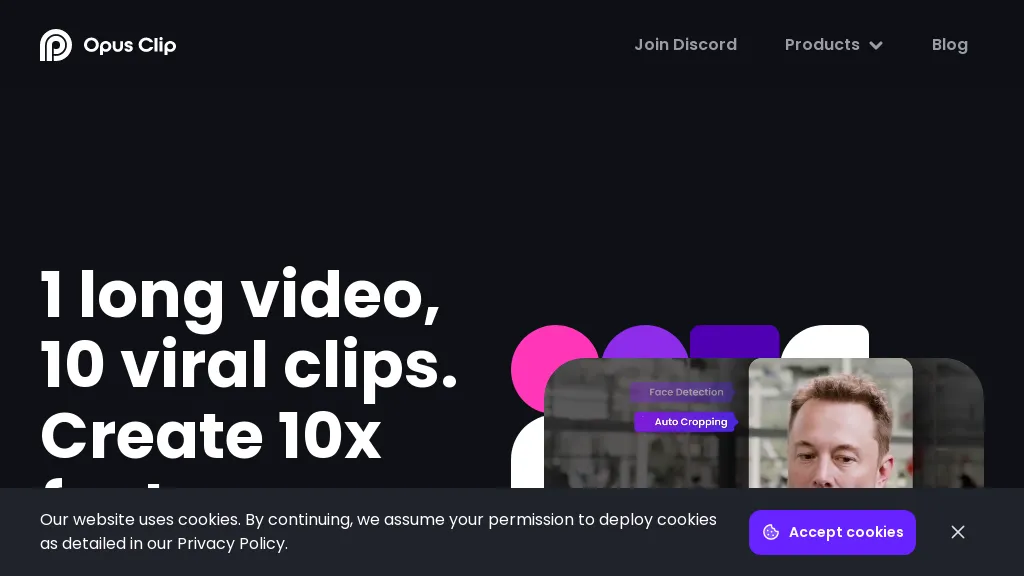
OpusClip is an AI-powered video tool that transforms long videos into shareable short clips with one click. It uses AI to identify compelling moments, generate captions, and optimize for social media.
Opus Clip Features
- AI Curation: OpusClip's AI identifies the most engaging moments from your video and rearranges them into compelling short clips
- Auto Reframing: The AI adjusts clips for different aspect ratios (1:1, 16:9, 9:16) optimized for various social media platforms
- Animated Captions: Automatically add animated captions with high accuracy and customizable templates
- AI B-roll: Incorporate contextually relevant B-roll footage, either royalty-free stock or AI-generated visuals
- Brand Templates: Create custom templates with your brand's colors, fonts, and logo
- Social Posting: Schedule and auto-post your clips to YouTube, TikTok, Instagram, LinkedIn, and X
- Virality Score: An AI-generated score estimates the potential virality of each short clip
- Collaboration: Team accounts allow for streamlined workflows and content management.
Spikes Studio Description
Spikes Studio automates video editing, turning raw footage into platform‑ready clips for TikTok, Instagram Reels, and YouTube Shorts. It detects high‑impact moments, adds multilingual captions, auto‑resizes, schedules posts, tracks analytics, and supports team collaboration.
Spikes Studio Features
- AI clip detection from long videos
- Automatic transitions and zooming
- On-brand caption styling
- Multi-format exporting for socials
- AI-generated titles and hashtags
- Cross-platform scheduling and publishing
User Satisfaction & Ratings
Opus Clip Feedback
Spikes Studio Feedback
Pricing Breakdown
Opus Clip Pricing
Pricing model: Freemium
Starting at: $15/mo
Available Plans:
Spikes Studio Pricing
Pricing model: Paid
Starting at: Contact for pricing
Platform Availability & Capabilities
Opus Clip Capabilities
Best for
extract:video>video create:video>video optimize:video>video generate:video>text automate:video>automationSpikes Studio Capabilities
Video Editing Video Generation Video
Best for:
automate:video>video detect:video>video embed:video>video schedule:video>video track:video>videoWho Should Use Each?
Opus Clip Users
Spikes Studio Users
Screenshots & Media
Opus Clip