


Differences between InVideo and Opus Clip
InVideo Description
Invideo AI transforms text into high-quality, cinematic videos with AI-generated visuals, voiceovers, and subtitles. It offers flexible workflow templates, editing options, and features like AI avatars and voice-cloning for personalized content creation.
InVideo Features
- Create product videos
- AI writes script and designs scenes
- Generate product images and videos
- Make videos in 50+ languages
- Scale video creation with AI
Opus Clip Description
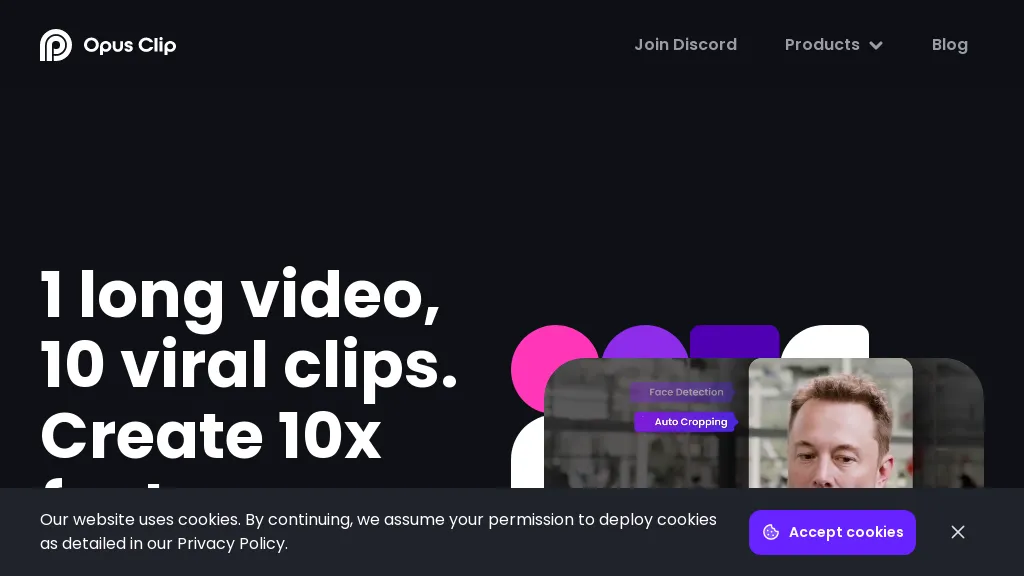
OpusClip is an AI-powered video tool that transforms long videos into shareable short clips with one click. It uses AI to identify compelling moments, generate captions, and optimize for social media.
Opus Clip Features
- AI Curation: OpusClip's AI identifies the most engaging moments from your video and rearranges them into compelling short clips
- Auto Reframing: The AI adjusts clips for different aspect ratios (1:1, 16:9, 9:16) optimized for various social media platforms
- Animated Captions: Automatically add animated captions with high accuracy and customizable templates
- AI B-roll: Incorporate contextually relevant B-roll footage, either royalty-free stock or AI-generated visuals
- Brand Templates: Create custom templates with your brand's colors, fonts, and logo
- Social Posting: Schedule and auto-post your clips to YouTube, TikTok, Instagram, LinkedIn, and X
- Virality Score: An AI-generated score estimates the potential virality of each short clip
- Collaboration: Team accounts allow for streamlined workflows and content management.
User Satisfaction & Ratings
InVideo Feedback
74.2%
of 31 users recommend
Output Quality
64.5%
Fair Pricing
58.1%
Ease of Use
77.4%
Feature Set
48.4%
Integrations
32.3%
Opus Clip Feedback
66.7%
of 3 users recommend
Output Quality
100.0%
Fair Pricing
66.7%
Ease of Use
66.7%
Feature Set
66.7%
Integrations
66.7%
Pricing Breakdown
InVideo Pricing
Pricing model: Subscription
Starting at: $25/mo
Available Plans:
Free: $0
Plus: $25/mo *billed $300 yearly annual0% off
Max: $60/mo *billed $720 yearly annual40% off
Generative: $200/mo *billed $2400 yearly annual20% off
Opus Clip Pricing
Pricing model: Freemium
Starting at: $15/mo
Available Plans:
Free: $0
Starter: $15/mo
Pro: $29/mo or $174 billed annually
Platform Availability & Capabilities
Opus Clip Capabilities
Best for:
extract:video>video create:video>video optimize:video>video generate:video>text automate:video>automationWho Should Use Each?
InVideo Users
Content Creators
Online Creators
Video Producers
Social Media Managers
Digital Marketers
Opus Clip Users
Content Creators
Marketing Professionals
Video Editors
Digital Marketers
Social Media Managers
Screenshots & Media
InVideo
Opus Clip
Pros & Cons
InVideo
Pros:
- Easy to use: Creating videos with text prompts is straightforward.
- Quick workflow: Users can generate professional-looking videos quickly.
- Versatile: Suitable for various platforms like YouTube, Instagram, and TikTok.
- Realistic voiceovers: The tool offers human-like voiceovers in multiple English accents.
- Collaborative: Real-time multiplayer editing is available.
- Time-saving: Videos are generated in seconds.
Cons:
- Limited to text prompts: Might not be easy to get exactly the output you expect rightaway.
- Language limitations: Currently, voiceovers are only available in various English accents. Other languages may not be fully supported.
- Potential quality issues: AI-generated content may lack the personal touch or specificity of human-created content.
Opus Clip
Integrations
InVideo
Opus Clip
Looking for AI tools? Try searching!