
Creatify AI vs Opus Clip Comparison
What is the difference between Creatify AI and Opus Clip? Compare Creatify AI and Opus Clip in details side by side to make a choice.


Differences between Creatify AI and Opus Clip
Creatify AI Description
Creatify transforms product URLs into video ads, generating AI avatars and up to 50 variations per batch. It supports UGC or cinematic styles, auto‑optimizes for Meta, TikTok, YouTube, Snap, Amazon, and offers A/B testing and performance analytics.
Creatify AI Features
- Convert URLs to video ads
- Automatic product feature extraction
- Choose from 1500+ AI avatars
- Batch mode for multiple variations
- Re-render ads in 29+ languages
- API integration for automated workflows
Opus Clip Description
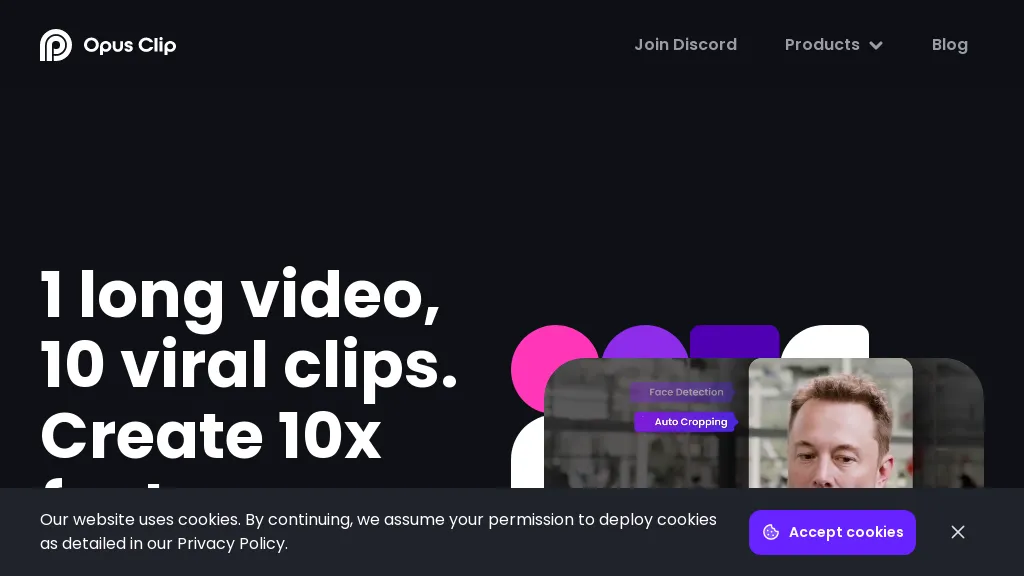
OpusClip is an AI-powered video tool that transforms long videos into shareable short clips with one click. It uses AI to identify compelling moments, generate captions, and optimize for social media.
Opus Clip Features
- AI Curation: OpusClip's AI identifies the most engaging moments from your video and rearranges them into compelling short clips
- Auto Reframing: The AI adjusts clips for different aspect ratios (1:1, 16:9, 9:16) optimized for various social media platforms
- Animated Captions: Automatically add animated captions with high accuracy and customizable templates
- AI B-roll: Incorporate contextually relevant B-roll footage, either royalty-free stock or AI-generated visuals
- Brand Templates: Create custom templates with your brand's colors, fonts, and logo
- Social Posting: Schedule and auto-post your clips to YouTube, TikTok, Instagram, LinkedIn, and X
- Virality Score: An AI-generated score estimates the potential virality of each short clip
- Collaboration: Team accounts allow for streamlined workflows and content management.
User Satisfaction & Ratings
Creatify AI Feedback
Opus Clip Feedback
Pricing Breakdown
Creatify AI Pricing
Pricing model: Freemium
Starting at: $19/mo
Available Plans:
Opus Clip Pricing
Pricing model: Freemium
Starting at: $15/mo
Available Plans:
Platform Availability & Capabilities
Opus Clip Capabilities
Best for:
extract:video>video create:video>video optimize:video>video generate:video>text automate:video>automationWho Should Use Each?
Creatify AI Users
Opus Clip Users
Screenshots & Media
Creatify AI
Opus Clip
Pros & Cons
Creatify AI
Pros:
- Easy to use with simple input of product links or descriptions.
- Generates high-quality videos with AI-powered script generation.
- Offers a variety of realistic AI avatars and natural-sounding voices.
- Powerful video editor with access to millions of high-quality stock footage.
- Supports batch mode for creating multiple videos at once.
- Customizable elements such as voice, avatars, and scripts for personalized videos.
- Compatible with various platforms, including social media and e-commerce sites.
- Enhances marketing efforts by allowing unlimited ad variations for testing.
Cons:
- Limited features in the free plan, including watermarked exports.
- More advanced features and higher quality options are available only in paid plans.
- May require a learning curve for users unfamiliar with video editing or AI tools.
- Dependent on AI-generated content, which might not always meet specific creative expectations.