


Differences between Krea AI and OpenArt
Krea AI Description
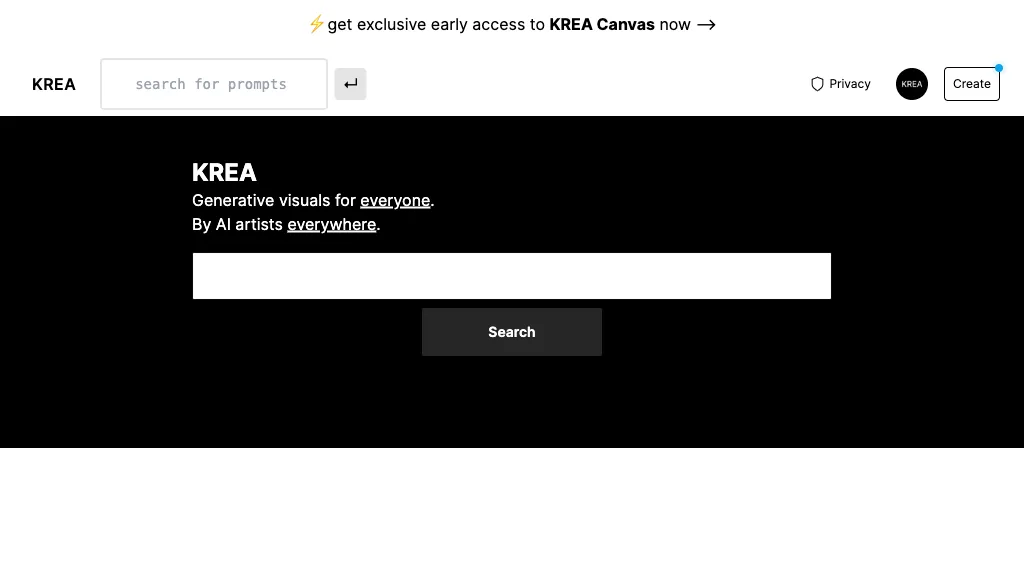
Krea lets users generate and edit images, videos, and 3D meshes from text or existing media. It supports 22K image upscaling, 8K video upscaling with interpolation, LoRA fine‑tuning, multiple models, and an asset manager for rapid prototyping.
Krea AI Features
- Text to Image generation
- Realtime image generation
- AI video generation
- Motion transfer capability
- 3D object generation
- Image upscaling feature
- Video style transfer
OpenArt Description
OpenArt is an AI art generator that provides powerful tools for you to generate and edit images, especially artist assets, that you can directly use and edit to improve.
OpenArt Features
- Create images from text
- Edit images with AI
- Image to video
- Expand image
- Realtime drawing
- Custom model training
User Satisfaction & Ratings
Krea AI Feedback
72.7%
of 11 users recommend
Output Quality
72.7%
Fair Pricing
45.5%
Ease of Use
63.6%
Feature Set
45.5%
Integrations
45.5%
OpenArt Feedback
81.8%
of 22 users recommend
Output Quality
59.1%
Fair Pricing
72.7%
Ease of Use
54.5%
Feature Set
68.2%
Integrations
40.9%
Pricing Breakdown
Krea AI Pricing
Pricing model: Freemium
Starting at: Contact for pricing
OpenArt Pricing
Pricing model: Freemium
Starting at: Contact for pricing
Platform Availability & Capabilities
Krea AI Capabilities
Best for
generate:text>image create:text>image generate:text>video create:text>video generate:text>3d_model create:text>3d_model edit:image>image enhance:image>image generate:image>3d_model create:image>3d_model edit:video>video enhance:video>videoWho Should Use Each?
Krea AI Users
Visual Artists
Product Designers
Content Creators
Marketing Managers
Creative Directors
OpenArt Users
Visual Artists
Graphic Designers
Digital Artists
Creative Directors
Concept Artists
Screenshots & Media
Krea AI
OpenArt
Pros & Cons
Krea AI
OpenArt
Integrations
Krea AI
OpenArt
Looking for AI tools? Try searching!