


Differences between LM Studio and Ollama.ai
LM Studio Description
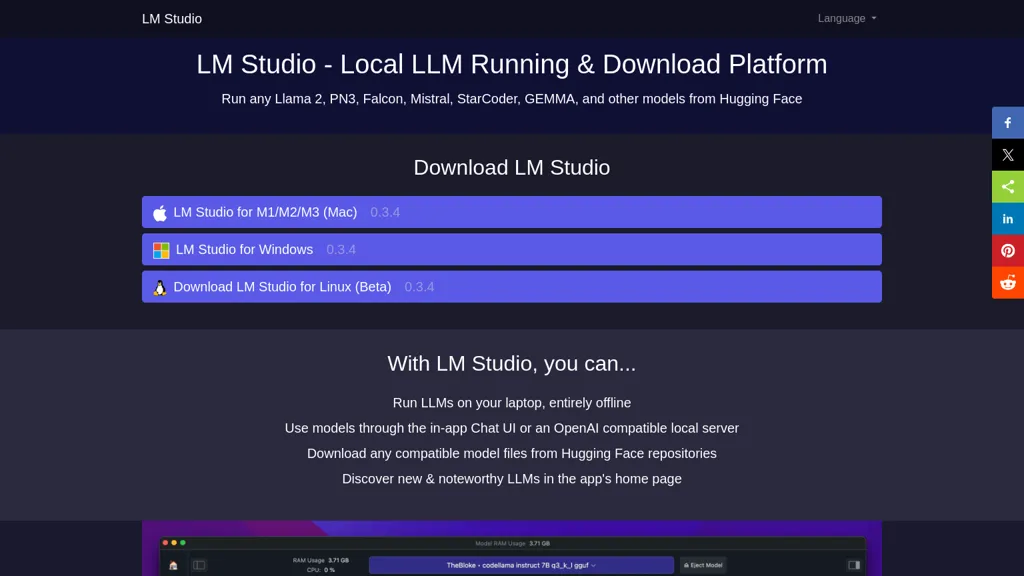
LM Studio is a local platform for running various large language models like Llama 2 and Mistral. It offers an offline environment, user-friendly interface, and supports multiple operating systems, enhancing privacy and allowing for simultaneous model execution.
LM Studio Features
- Local LLM execution
- Compatibility with Llama 2, Mistral, and Falcon models
- Offline environment for privacy and data security
- Simultaneous multiple model operation in playground mode
- Supports macOS, Windows, and Linux with GPU compatibility
Ollama.ai Description
Llama is a local AI tool that enables users to create customizable and efficient language models without relying on cloud-based platforms, available for download on MacOS, Windows, and Linux.
Ollama.ai Features
- Customize language models
- Create language models
- Run large language models locally
- Control ai models privacy
- Download for macos, windows, and linux
User Satisfaction & Ratings
LM Studio Feedback
No feedback data yet
Ollama.ai Feedback
74.1%
of 27 users recommend
Output Quality
66.7%
Fair Pricing
63.0%
Ease of Use
44.4%
Feature Set
51.9%
Integrations
63.0%
Pricing Breakdown
LM Studio Pricing
Pricing model: Freemium
Starting at: Contact for pricing
Ollama.ai Pricing
Pricing model: Free
Starting at: Contact for pricing
Platform Availability & Capabilities
Ollama.ai Capabilities
Best for:
write:text>text code:text>code create:text>images transcribe:images>text code:images>code convert:images>imagesWho Should Use Each?
LM Studio Users
Software Developers
Data Analysts
System Administrators
Technical Writers
Innovation Strategists
Ollama.ai Users
Software Developers
Data Analysts
System Administrators
Product Designers
Content Creators
Screenshots & Media
LM Studio
Ollama.ai
Pros & Cons
LM Studio
Ollama.ai
Integrations
LM Studio
Ollama.ai
Looking for AI tools? Try searching!