Llama.cpp vs Unsloth Desktop Comparison
What is the difference between Llama.cpp and Unsloth Desktop? Compare Llama.cpp and Unsloth Desktop in details side by side to make a choice.


Differences between Llama.cpp and Unsloth Desktop
Llama.cpp Description
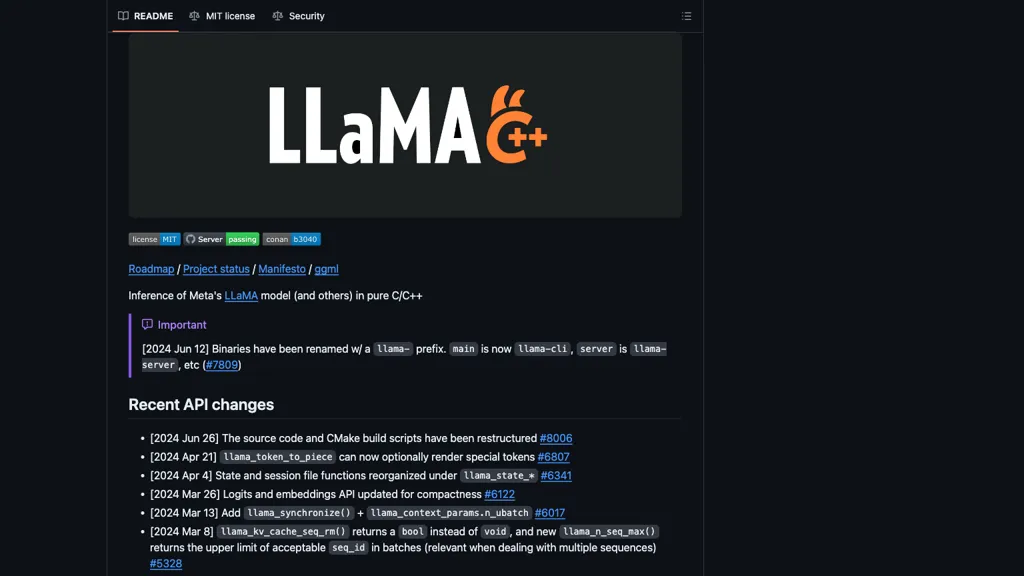
Llama.cpp is an open-source tool for efficient inference of large language models. Run open source LLM models locally everywhere.
Llama.cpp Features
- Automate any workflow
- Host and manage packages
- Instant dev environments
- Real-time code search and navigation
- Automated code vulnerability detection
Unsloth Desktop Description
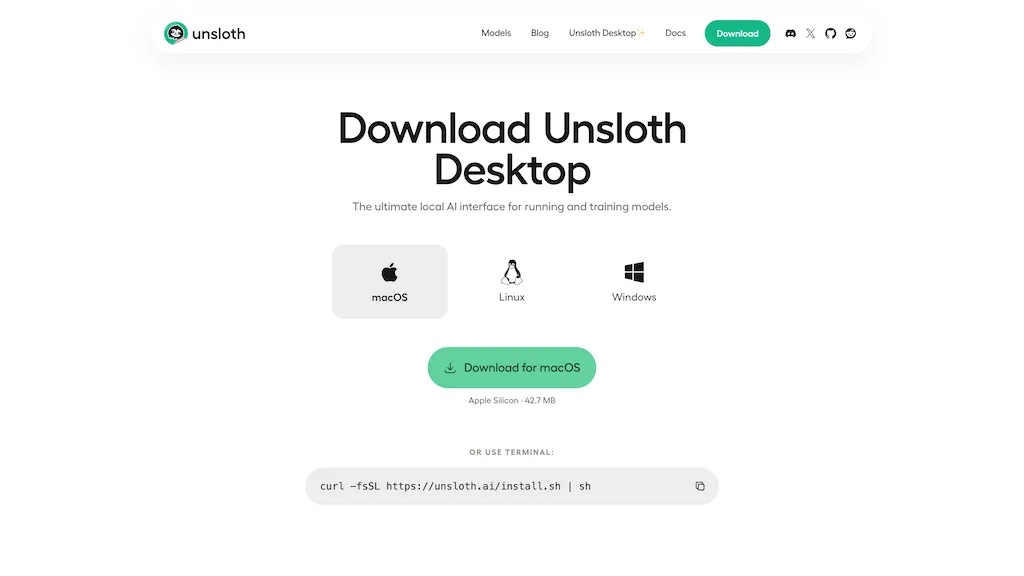
Unsloth Desktop is an open-source desktop app for macOS, Windows, and Linux that runs, trains, fine-tunes, quantizes, and deploys LLMs, diffusion and audio models locally, with multi-GPU training, model management, sandboxed code execution, and remote hosting.
Unsloth Desktop Features
- Local desktop app for running, training, and deploying AI models on macOS, Windows, and Linux
- Support for LLMs, diffusion image/video models, audio models (text-to-speech and speech-to-text), and embedding workflows for on-device inference and fine-tuning
- Training and inference tooling: LoRA and full fine-tuning, quantization-aware training, multi-GPU and distributed training, and reduced-VRAM inference options
- Built-in model hub and model-swapping UI with gguf format support for downloading and managing models
- Developer and deployment features: sandboxed code execution, tool-calling with automatic retry/healing, parallel chat sessions, OpenAI/Anthropic-compatible API integrations, local HTTPS hosting and Cloudflare tunnel for remote inference and model serving
User Satisfaction & Ratings
Llama.cpp Feedback
Unsloth Desktop Feedback
Pricing Breakdown
Llama.cpp Pricing
Pricing model: Free
Starting at: Contact for pricing
Unsloth Desktop Pricing
Pricing model: Freemium
Starting at: Contact for pricing
Platform Availability & Capabilities
Llama.cpp Capabilities
Best for
generate:code>text generate:code>code extract:url>text extract:url>codeUnsloth Desktop Capabilities
Best for:
generate:text>text generate:text>image generate:text>audio generate:image>image generate:audio>audioWho Should Use Each?
Llama.cpp Users
Unsloth Desktop Users
Screenshots & Media
Llama.cpp
Unsloth Desktop