Cleanup.pictures vs Magic Eraser Comparison
What is the difference between Cleanup.pictures and Magic Eraser? Compare Cleanup.pictures and Magic Eraser in details side by side to make a choice.


Differences between Cleanup.pictures and Magic Eraser
Cleanup.pictures Description
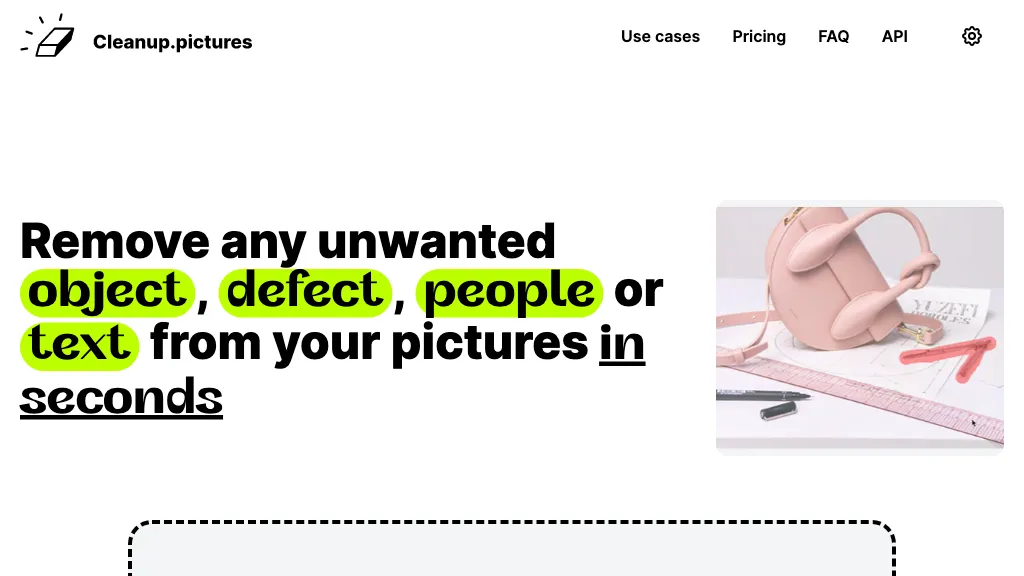
Cleanup.pictures is an AI-powered photo editing tool that allows users to remove objects, people, text, and defects from any picture with ease, highly valued by photographers, creative agencies, real estate professionals, and e-commerce businesses.
Cleanup.pictures Features
- Photo editing
- Object removal
- Person removal
- Text removal
- Defect removal
Magic Eraser Description
Magic Eraser is an AI-powered tool for removing unwanted elements from images in seconds. It offers free use with low-resolution image downloads and is suitable for various industries such as real estate, photography, fashion, and social media.
Magic Eraser Features
- Remove unwanted elements
- Mark areas for removal
- Download edited images in jpeg or png formats
- Build image editing apps
- Access its tools
User Satisfaction & Ratings
Cleanup.pictures Feedback
Magic Eraser Feedback
No feedback data yet
Pricing Breakdown
Cleanup.pictures Pricing
Pricing model: Free trail
Starting at: Contact for pricing
Magic Eraser Pricing
Pricing model: Freemium
Starting at: Contact for pricing
Platform Availability & Capabilities
Cleanup.pictures Capabilities
Best for
Remove objects Remove people Remove text Remove defects Edit imagesWho Should Use Each?
Cleanup.pictures Users
Magic Eraser Users
Screenshots & Media
Cleanup.pictures
Magic Eraser