


Differences between CapCut and Riverside
CapCut Description
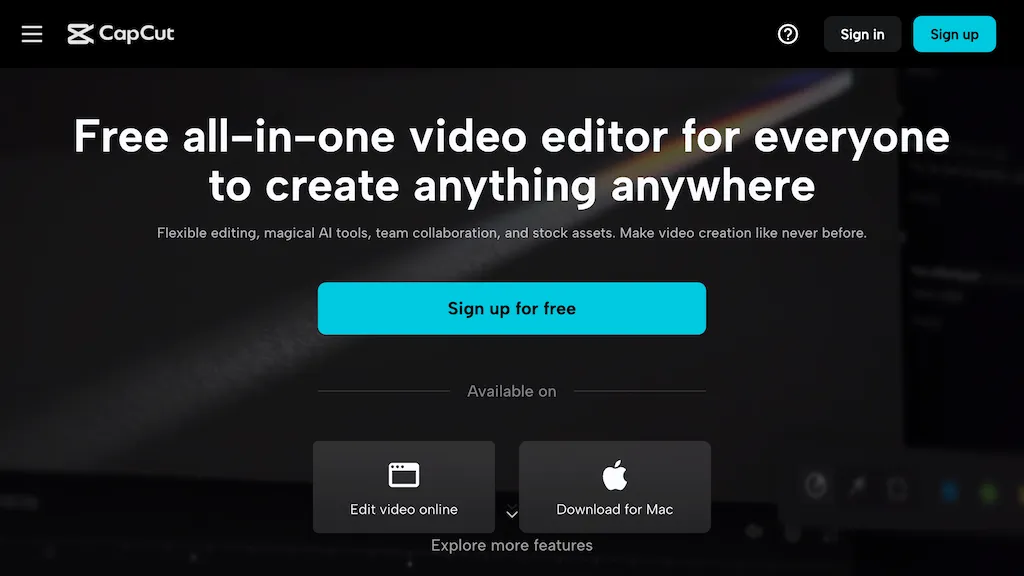
CapCut is an AI-powered video editor & design tool with social media templates, background removal, upscaling, color correction, portrait generation, text-to-speech, voice changers, and team collaboration support - accessible online and for Mac download.
CapCut Features
- Templates for social media
- Image background removal
- Video upscaling
- Color correction
- Portrait generation
Riverside Description
Riverside is a comprehensive platform for recording high-quality video and audio, with AI-powered editing and live streaming tools. It centralizes hosting, publishing, and analytics for podcasts and videos, supporting remote collaboration and content repurposing.
Riverside Features
- Local 4K video and multitrack audio recording via browser and native mac and mobile apps
- AI-powered editing and text-based video editor for clip creation, captions, transcription, and automated show notes
- Live streaming with Full HD livestream support
- Podcast hosting, publishing tools, and analytics
- Asynchronous recording and AI co-creator features
User Satisfaction & Ratings
CapCut Feedback
77.8%
of 27 users recommend
Output Quality
63.0%
Fair Pricing
85.2%
Ease of Use
48.1%
Feature Set
59.3%
Integrations
25.9%
Riverside Feedback
100.0%
of 5 users recommend
Output Quality
80.0%
Fair Pricing
80.0%
Ease of Use
60.0%
Feature Set
40.0%
Integrations
40.0%
Pricing Breakdown
CapCut Pricing
Pricing model: Free trial
Starting at: Contact for pricing
Riverside Pricing
Pricing model: Freemium
Starting at: $24/mo
Available Plans:
Free: €0/mo
Pro: €29/mo (€24/mo billed annually)
Live: €39/mo (€34/mo billed annually)
Webinar: €99/mo (€79/mo billed annually)
Business: custom
Platform Availability & Capabilities
CapCut Capabilities
Best for
edit:video>video enhance:video>video edit:image>image enhance:image>image create:image>video convert:image>video extract:video>image convert:video>imageRiverside Capabilities
Best for:
extract:video>audio transcribe:video>text edit:video>video transcribe:audio>text convert:audio>video edit:audio>audioWho Should Use Each?
CapCut Users
Content Creators
Social Media Managers
Video Editors
Design Teams
Marketing Professionals
Riverside Users
Podcast Creators
Video Creators
Live Streamers
Video Producers
Content Marketers
Screenshots & Media
CapCut
Riverside
Pros & Cons
CapCut
Riverside
Integrations
CapCut
Riverside
Looking for AI tools? Try searching!