


Differences between CapCut and Descript
CapCut Description
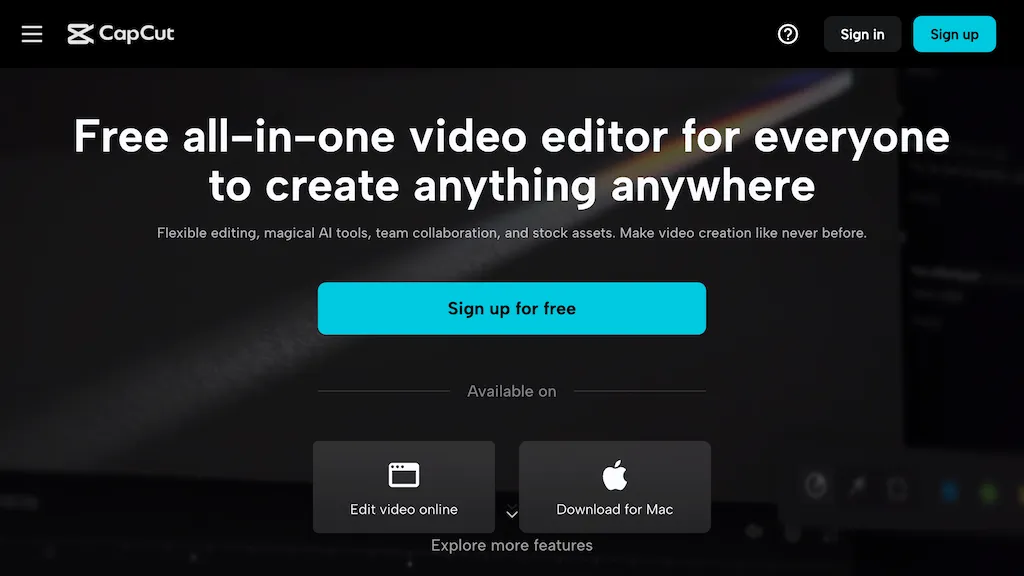
CapCut is an AI-powered video editor & design tool with social media templates, background removal, upscaling, color correction, portrait generation, text-to-speech, voice changers, and team collaboration support - accessible online and for Mac download.
CapCut Features
- Templates for social media
- Image background removal
- Video upscaling
- Color correction
- Portrait generation
Descript Description
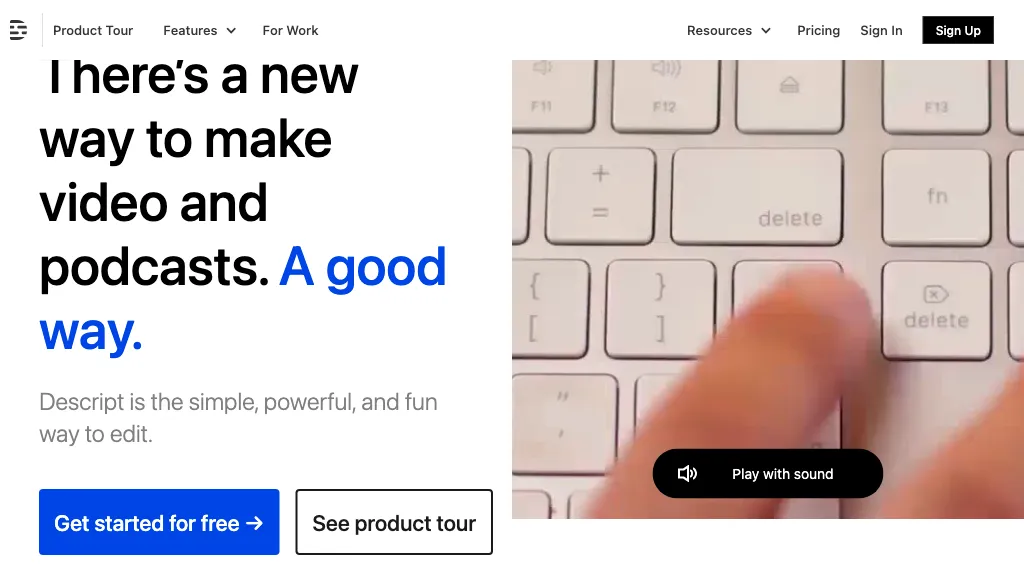
Descript is a comprehensive video and podcast editing tool with transcription, podcasting, screen recording, clip creation, and publishing features, offering collaboration and sharing capabilities, with a free plan and paid options starting at $12 per month.
Descript Features
- Transcription
- Podcasting
- Screen recording
- Clip creation
- Publishing
User Satisfaction & Ratings
CapCut Feedback
77.8%
of 27 users recommend
Output Quality
63.0%
Fair Pricing
85.2%
Ease of Use
48.1%
Feature Set
59.3%
Integrations
25.9%
Descript Feedback
76.2%
of 21 users recommend
Output Quality
76.2%
Fair Pricing
61.9%
Ease of Use
66.7%
Feature Set
47.6%
Integrations
33.3%
Pricing Breakdown
CapCut Pricing
Pricing model: Free trial
Starting at: Contact for pricing
Descript Pricing
Pricing model: Freemium
Starting at: $16/mo
Available Plans:
Creator: $16/mo
Pro: $24/mo
Platform Availability & Capabilities
CapCut Capabilities
Best for
edit:video>video enhance:video>video edit:image>image enhance:image>image create:image>video convert:image>video extract:video>image convert:video>imageDescript Capabilities
Best for:
edit:video>video edit:audio>audio extract:video>audio transcribe:video>text transcribe:audio>text transcribe:video>document transcribe:audio>documentWho Should Use Each?
CapCut Users
Content Creators
Social Media Managers
Video Editors
Design Teams
Marketing Professionals
Descript Users
Video Editors
Podcast Creators
Content Creators
E-commerce Sellers
Digital Marketers
Screenshots & Media
CapCut
Descript
Pros & Cons
CapCut
Descript
Integrations
CapCut
Descript
Looking for AI tools? Try searching!